
Every inspector knows
exactly where to go.
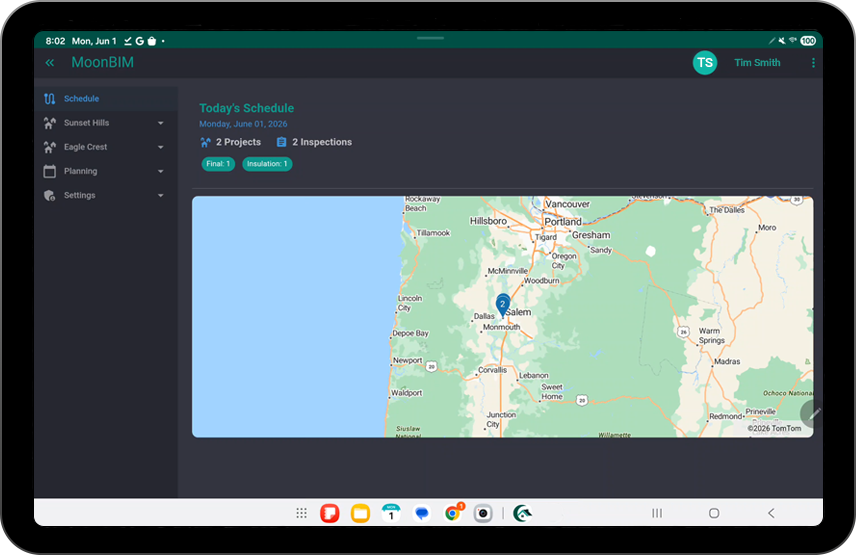
The tablet-optimized route view shows each inspector’s scheduled stops for the day—sites and details—so they move from job to job confidently, without back-and-forth calls to the office. Built for offline work, it keeps every photo safe and ready to upload later, without the glitches and limits of a web app.


Route features
Built for the field, designed for tablets
Large text, clear layouts, one-tap navigation—the experience inspectors actually want to use all day.
Stop-Level Detail Cards
Every stop shows address, contact info, and inspection type—everything needed without switching apps.
Check-In & Completion
Mark stops complete with a single tap. The office sees progress update in real time—no end-of-day call required.
Comments
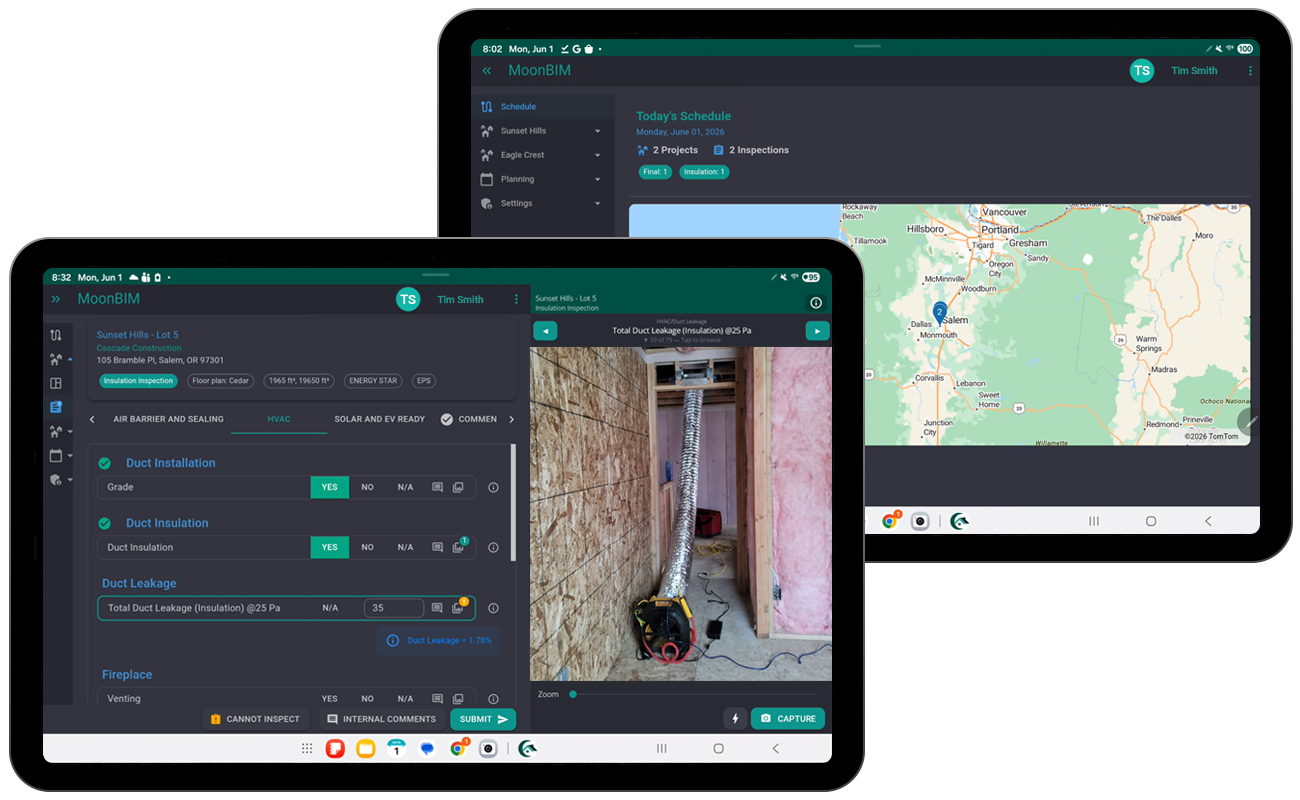
Add comments, flags, photos, or follow-up actions directly on the tablet. Captured data and photos sync reliably to the office dashboard after upload, avoiding browser-style interruptions.
Tablet-First Layout
Large touch targets, readable fonts, and minimal UI clutter designed for the big screen—easy to use all day.
A day in the life
Morning to evening—stress-free
Before MoonBIM, inspectors started the day with a flurry of texts, a printed sheet, and hope it was still accurate. Now they open the app and go.
-
Open the app at 7 AM
Today’s stops are ready: six scheduled inspections with everything needed for each one.
-
Navigate stop to stop
Tap a stop for the full address and notes. One tap opens directions in your map app.
-
Mark complete, add notes
Check off the stop, add any site observations, and move on. The office sees it instantly.
-
End of day summary
All completions, notes, and flags are already synced. No report to write, no emails to send.
Put routes on autopilot
Give your inspectors a day they can actually follow.
Book a demo to see how MoonBIM’s tablet routes eliminate confusion and keep the office in sync all day long.